
Finally. Real ⌘X.
Cut & paste files the way it should have always worked.
✓ Free
✓ Lightweight
✓ 9 Languages
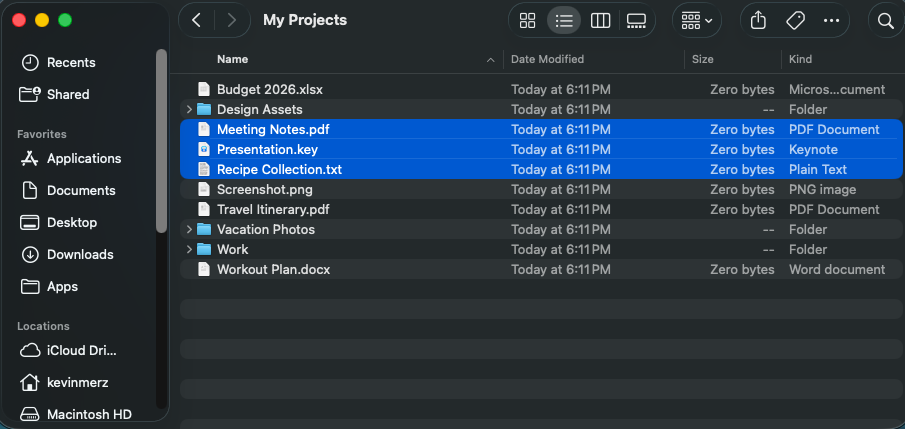
Cut & paste files the way it should have always worked.
Whether you're organizing photos, cleaning up downloads, or managing project files — Cut & Place makes it effortless.
Sort documents into the right folders in seconds
Move scattered files where they belong
Restructure project folders quickly
Select multiple files and move them all at once
Three steps. Zero hassle.
Select your files and cut
Go to the destination folder
Files moved instantly
Always ready. Never in your way.
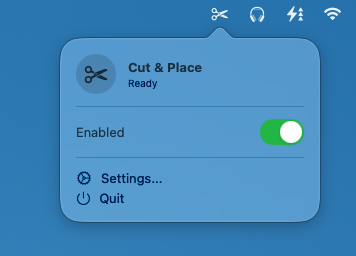
The way you always expected it to work.
One click. Ready to go.
Download Cut & Place and finally use ⌘X to cut and paste files. Free, lightweight, and built for power users.
Download on Mac App StoremacOS 11 Big Sur or later • Free
⚡
Lightweight
🔒
Privacy First
🌟
Native App